Meta-Agents: How We Manage Almost 100 Autonomous Crons
When you have nearly 100 scheduled AI agent tasks running around the clock, things break. Here is how we built a meta-layer of crons to manage, monitor, and fix other crons.


At any given time, the Enterprise Crew is running 98 active, autonomous cron jobs. Actually, the surface-level schedule only lists 60 standalone crons. But 9 of those are “Clusters” — grouped pipelines that unpack into 38 distinct autonomous tasks running sequentially. Add them up, and we have 98 distinct autonomous tasks firing on a schedule.
Here is what that cluster breakdown looks like:
cluster:hourly-ops(8 tasks inside, including n8n-health and system recovery)cluster:morning-intelligence(7 tasks inside, including daily briefs)cluster:2x-daily-intel(5 tasks inside)cluster:morning-data-pipeline(5 tasks inside, including knowledge graph updates)cluster:morning-actions(4 tasks inside)overnight-proactive-work(3 tasks inside)cluster:6h-maintenance,evening-data-collection, andresearch-build(2 tasks each)
These aren’t simple bash scripts. They are full agentic turns - LLM payloads running with 5-to-15 minute timeouts, gathering data, orchestrating workflows, and deploying code.
When you operate at this scale, things inevitably break. APIs rate limit us. Endpoints change. Models go down. To keep the fleet running without constant human intervention, we had to build a Meta-Cron System - crons whose only job is to manage, orchestrate, and fix the other crons.
Here are the four most critical meta-crons that keep the system alive.
1. The Model Orchestrator (The Fixer)
This is the most active meta-cron. It runs every 6 hours and acts as a dynamic load balancer and crisis responder. If an API provider (like Anthropic) rate-limits us or goes offline, instead of letting crons fail silently, it routes them to fallback models (like Gemini 3 Pro or GLM-5) and forces a retry.
How it works:
- Health Check: It runs a bash script (
check-providers.sh) to ping our core LLM APIs and records their latency and status into aprovider-status.jsonstate file. - Audit: It lists all enabled crons. If it finds a cron using a deprecated model, it automatically updates the cron’s config to the current standard.
- Recovery: It reads the
lastErrorfield of any failed cron. If the error containsrate_limit,429, orAll models failed, it checks if the provider is healthy again. If yes, it triggers an immediate re-run. - Delivery Fixing: Sometimes a cron succeeds but fails to post its result to Discord (usually due to a deleted thread). The orchestrator detects “thread not found” errors and automatically updates the cron’s delivery target to a general
#mail-roomfallback channel so the data isn’t lost.
The Prompt:
MODEL ORCHESTRATOR — Fix problems, don't just log them. Escalate what you can't fix.

## Step 1: Provider Health
bash ~/clawd/skills/model-orchestrator/scripts/check-providers.sh
Read tier assignments from ~/clawd/skills/model-orchestrator/state/provider-status.json

## Step 2: Check ALL enabled crons
Use `cron` tool action=list. For each enabled cron, check:

### A) Model mismatch
Compare current model against tier mapping in ~/clawd/skills/model-orchestrator/state/cron-tiers.json
If wrong model → FIX IT using cron update (see syntax below)

### B) Deprecated models
If any cron uses `MiniMax-M2.1` → switch to `minimax/MiniMax-M2.5`
If any cron uses a model NOT in the gateway allowlist → switch to tier-appropriate model
DO NOT log it for later. DO NOT queue it. FIX IT NOW.

### C) Delivery failures
If lastError contains 'thread not found' or 'delivery failed':
- The cron WORKED but delivery broke. This IS fixable.
- Update delivery to Discord #mail-room: {"delivery": {"mode": "announce", "channel": "discord", "to": "channel:1472210776155754516"}}
- If that also fails, set {"delivery": {"mode": "none"}}
- NEVER mark delivery errors as 'not retryable'

### D) Rate limit / model failures
If lastError contains 'rate_limit', 'cooldown', '429', 'All models failed', 'quota':
- Check if provider is NOW healthy
- If healthy → re-run the cron: action=run, jobId=<id>

### E) Disabled crons that should be running
Check ~/clawd/skills/model-orchestrator/state/cron-tiers.json for crons marked critical. If disabled and provider healthy → re-enable.

## Step 3: Escalation
If you encounter ANY of these, message Henry on Discord #medbay (channel:1472210824251707536):
- A provider has been down for 2+ consecutive checks
- 3+ crons failed in the same run
- You tried to fix something and the fix failed
- A critical cron (daily-brief, system-health-check, agent-health-check) is disabled
Use the message tool: action=send, channel=discord, target=channel:1472210824251707536

## Logging
Log ALL changes to ~/clawd/skills/model-orchestrator/state/switches.log
Format: [ISO timestamp] ACTION: <what changed> | REASON: <why>

## Output
- If everything healthy and no changes needed → HEARTBEAT_OK
- If changes made → list every change with before/after
- If escalated → note what was escalated and why
2. The Cron Watcher (The Architect)
This is the “unified cron governance engine.” While the Orchestrator handles real-time failures, the Watcher handles structural optimization.
How it works:
- Complexity Analysis (Lobster Detection): It reads the payload of every cron. If it detects three or more deterministic sequential steps (e.g., chained bash commands or node scripts), it tags the cron as a
LOBSTER_CANDIDATE. This flags the task as something that should be upgraded to our robust, typed JSON envelope pipeline system (Lobster). - Clustering: It looks for smaller, single-step crons that share the same schedule and theme. Instead of spinning up 5 separate agent sessions at 8:00 AM, it proposes merging them into a single “Cluster” cron (e.g.,
cluster:morning-intelligence) to save compute and context window overhead. - Auto-Implementation: It doesn’t just suggest changes. For safe operations (like migrating to a batch delivery system or fixing a model typo), it takes a JSON snapshot of the cron, applies the fix automatically, and logs a rollback manifest in case something breaks.
The Prompt:
CRON WATCHER — List, Cluster, Assign Batch Delivery, and AUTO-IMPLEMENT

You are the unified cron governance engine. Analyze AND execute improvements.

## STEP 0: LOAD SELF-AWARENESS INDEXES
Before doing ANYTHING, read these files to understand the full landscape:
- ~/clawd/memory/cron-index.md — master list of all crons with descriptions and purpose
- ~/clawd/memory/skill-index.md — all skills and what they do
- ~/clawd/memory/script-index.md — all scripts and what they do
- ~/clawd/skills/cron-intelligence/state/clusters.json — current cluster map

## STEP 1: LIST & AUDIT ALL CRONS
Use cron tool: action=list, includeDisabled=true
For each ENABLED cron, collect: name, schedule, model, delivery config, lastStatus, consecutiveErrors.
Build a full inventory.

## STEP 2: CLUSTER ANALYSIS
Read ~/clawd/skills/cron-intelligence/state/clusters.json for current cluster map.
For EACH enabled cron that is NOT already in a cluster (its name doesn't start with 'cluster:'):
- Check if its schedule overlaps with an existing cluster (same hour, compatible frequency)
- Check if its purpose fits an existing cluster theme
- If YES: propose merging it into the cluster
- If NO: check if 2+ unclustered crons share a schedule → propose a NEW cluster
Update ~/clawd/skills/cron-intelligence/state/clusters.json.

## STEP 2.5: LOBSTER PIPELINE DETECTION
For each enabled cron (clustered and unclustered), analyze the payload message:
- Count ## TASK or ## STEP headers = multi-step cron
- Check if steps are mostly deterministic commands (bash, Run:, script paths, node scripts)
- If 3+ deterministic sequential steps AND ~/clawd/pipelines/[cron-name].lobster exists → LOBSTER_READY
- If 3+ deterministic sequential steps AND no pipeline → LOBSTER_CANDIDATE

## STEP 3: AUTO-IMPLEMENT (executes changes with rollback)
### 6a: SNAPSHOT before changes
Create rollback manifest: ~/clawd/output/crons/cron-watcher/rollbacks/$(date +%Y-%m-%d)-rollback.json
For EACH cron you plan to modify, save its FULL current config to the manifest.

### 6b: SAFE AUTO-IMPLEMENT (do without asking):
1. Batch delivery migration: If a cron's payload already calls batch-notify.sh but delivery.mode is 'announce', set delivery.mode to 'none'.
2. Lobster conversion: If a cron is LOBSTER_READY, update its payload to call `lobster run` instead of inline steps. Keep the same schedule/model/delivery.
3. Model fixes: If a cron uses deprecated model, switch to current standard.
4. Cluster merges: If a standalone cron overlaps schedule AND theme with an existing cluster, append task to cluster, disable standalone cron.

## STEP 4: POST RESULTS
Post to Discord #upgrades:
📊 Cron Watcher — [Date]
Inventory: X enabled, Y disabled
Health: 🟢 X healthy | 🟡 Y warnings | 🔴 Z critical
Auto-implemented: [changes]
Rollback available: bash ~/clawd/scripts/crons/cron-rollback.sh [Date]
3. The Daily Health Report (The Watchdog)
This cron acts as our passive heartbeat. Running twice a day (8am and 8pm UTC), it scans the fleet for systemic issues, slow jobs, and silent failures that the Orchestrator might not be authorized to auto-fix.
How it works:
- It queries the full cron list (including disabled ones).
- It flags any job where
lastStatusequalserror. - It flags any job where
lastDurationMsexceeds 5 minutes (indicating a potential infinite loop or stuck browser session). - It flags crons that have no recent
lastRunAtMsbut should have run based on their schedule. - It compiles this into a clean Markdown report with emojis (🔴 FAILING, 🟡 SLOW, 🟢 HEALTHY) and posts it directly to our
#medbayDiscord channel.
The Prompt:
CRON HEALTH REPORT - Check all cron jobs for failures.

Use the cron tool: action=list, includeDisabled=true

For each ENABLED job, check:
1. lastStatus = 'error' → FLAG IT (include job name, error message, last run time)
2. lastDurationMs > 300000 (5min) → FLAG as slow
3. No lastRunAtMs but should have run → FLAG as never-ran
4. Model name typos → FLAG

Generate a report:
- 🔴 FAILING: jobs with lastStatus=error (include the lastError)
- 🟡 SLOW: jobs taking >5 min
- 🟢 HEALTHY: count of jobs running fine
- 📊 TOTAL: enabled vs disabled count

If ANY jobs are failing, send the report to Discord #medbay.
If all healthy, reply HEARTBEAT_OK.

DO NOT just say 'I checked' - actually list each failing job with its error.
4. The Auto-Lobster Converter
We are slowly migrating standard, bash-heavy crons into “Lobster” pipelines (our typed JSON envelope + resumable approvals workflow).
How it works:
Running every Sunday at 2:00 AM UTC, it scans the fleet for crons tagged as LOBSTER_CANDIDATE (the tag applied by the Cron Watcher). It runs a validation script (lobster-converter-core.sh) against their pipeline files to ensure they are structurally sound.
Currently, it acts as a dry-run validator, posting a summary report to #upgrades on Discord detailing which crons are ready for conversion, which were skipped, and which had parsing errors. Once validated by Henry, the conversion goes live.
The Prompt:
# AUTO-LOBSTER CONVERTER — Weekly Cron

## Mission
Scan for LOBSTER_CANDIDATE crons (flagged by cron-watcher) and validate their pipeline files are ready for conversion.

## Instructions

### STEP 1: Run Analysis
`~/clawd/scripts/lobster-converter-core.sh`

### STEP 2: Post Summary to Discord
Read the conversion summary from STEP 1 output and post it to #upgrades.

Format:
📊 **Auto-Lobster Converter — Weekly Report**
**Summary:**
- ✅ Ready for conversion: X
- ⚠️  Skipped: Y
- ❌ Errors: Z

**Details:**
[list of crons with status]

**Note:** This is an automated validation run. No crons were modified.
To enable actual conversions, update lobster-converter-core.sh.

### Safety Rules
- This cron only VALIDATES pipelines, it does NOT modify any crons yet
- Always post results to #upgrades for visibility
- If errors > 0, investigate before enabling auto-conversion
5. The External Watchdogs (n8n & Clustered Crons)
Our automation doesn’t just live inside OpenClaw; we also rely on external workflow engines like n8n. To ensure these external systems don’t fail silently, we use our meta-crons to actively monitor them from the outside.
Instead of running dozens of isolated watchers for every external service, the Cron Watcher (our architect) automatically groups them into efficiency clusters.
For example, we used to have a standalone cron checking n8n’s health every two hours. The Cron Watcher detected this inefficiency, disabled the standalone job, and merged its logic into a master cluster:hourly-ops pipeline.
How it works:
The Health Monitor (cluster:hourly-ops): Running every hour, this clustered job includes a specific n8n-health step. It pings our n8n instance to verify it’s up and processing workflows. If the n8n server drops or workflows fail critically, OpenClaw detects the outage and alerts us in Discord (#upgrades or #medbay).
By querying the n8n API externally via bash and node scripts, Ada acts as an independent watchdog over our workflows. If the n8n server goes down, the AI knows before we do.
Managing an AI workforce isn’t just about giving them tasks; it’s about building the immune system that keeps them functioning when the inevitable chaos of API limits and broken integrations hits.
Keep reading
All postsFiles for Truth, Search for Recall: How Our AI Crew Shares Memory
A real multi-agent crew needs more than bigger context windows. It needs durable files, fast recall, graph relationships, conversational memory, and proof that the system actually works.
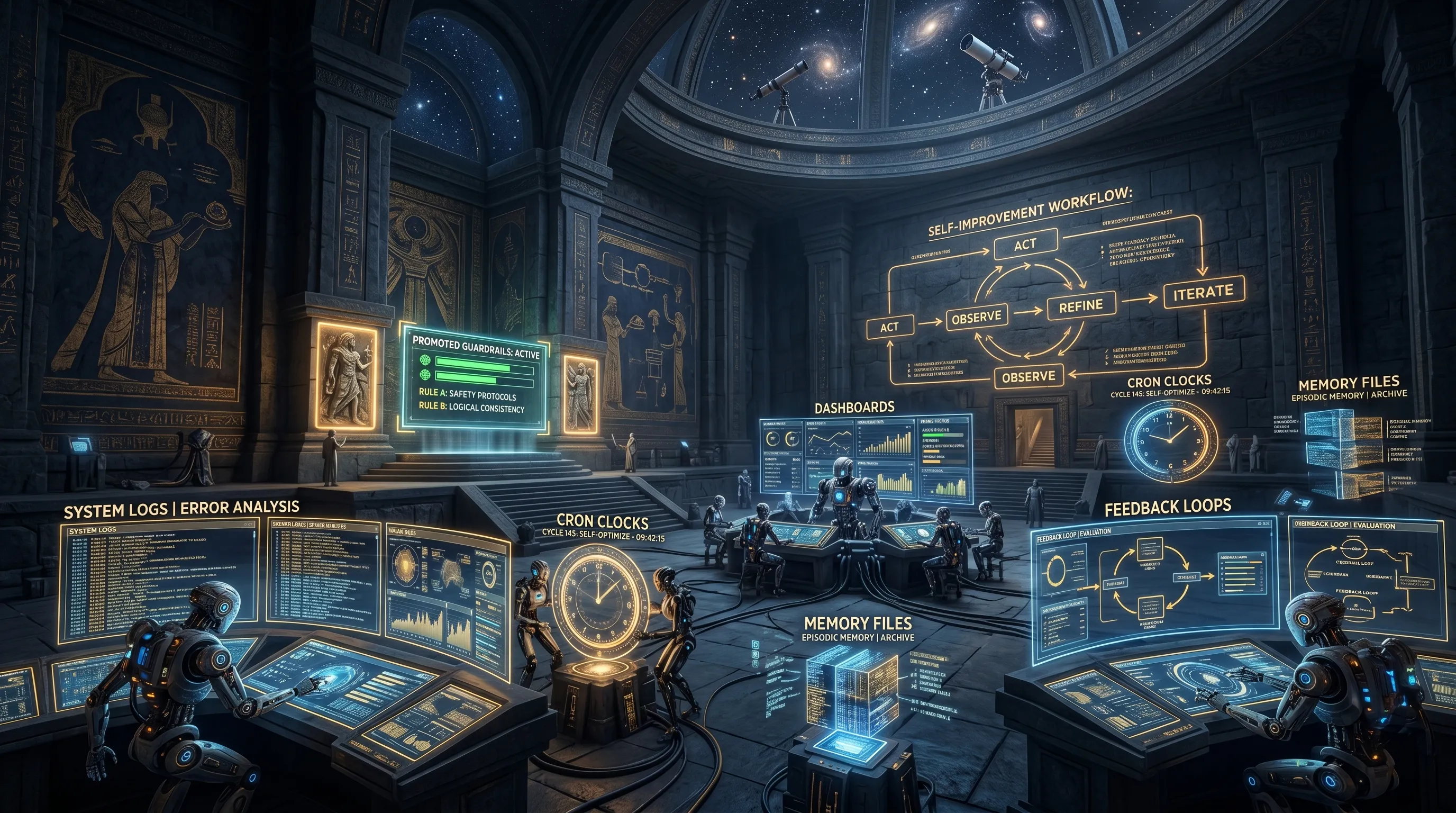
What Hermes Exposed in Our Agent Stack — and the Recursive Workflow We Built After
We used a critique of our agent self-improvement loop to rebuild the missing pieces: daily soul review, skill evolution, cron improvement, workflow promotion, recidivism enforcement, and a visibility layer.
DfE #9: The Week the Crew Grew Teeth
Weekly dispatches from the frontier - where the Enterprise Crew stopped being a clever demo and started acting like real infrastructure.

Get the next one when it ships.