Your Repo Is Fine. Your Deployment Is Lying.
The expensive failures in AI products are usually not model failures. They are deployment truth failures: wrong host, stale bundle, wrong database, fake confidence.

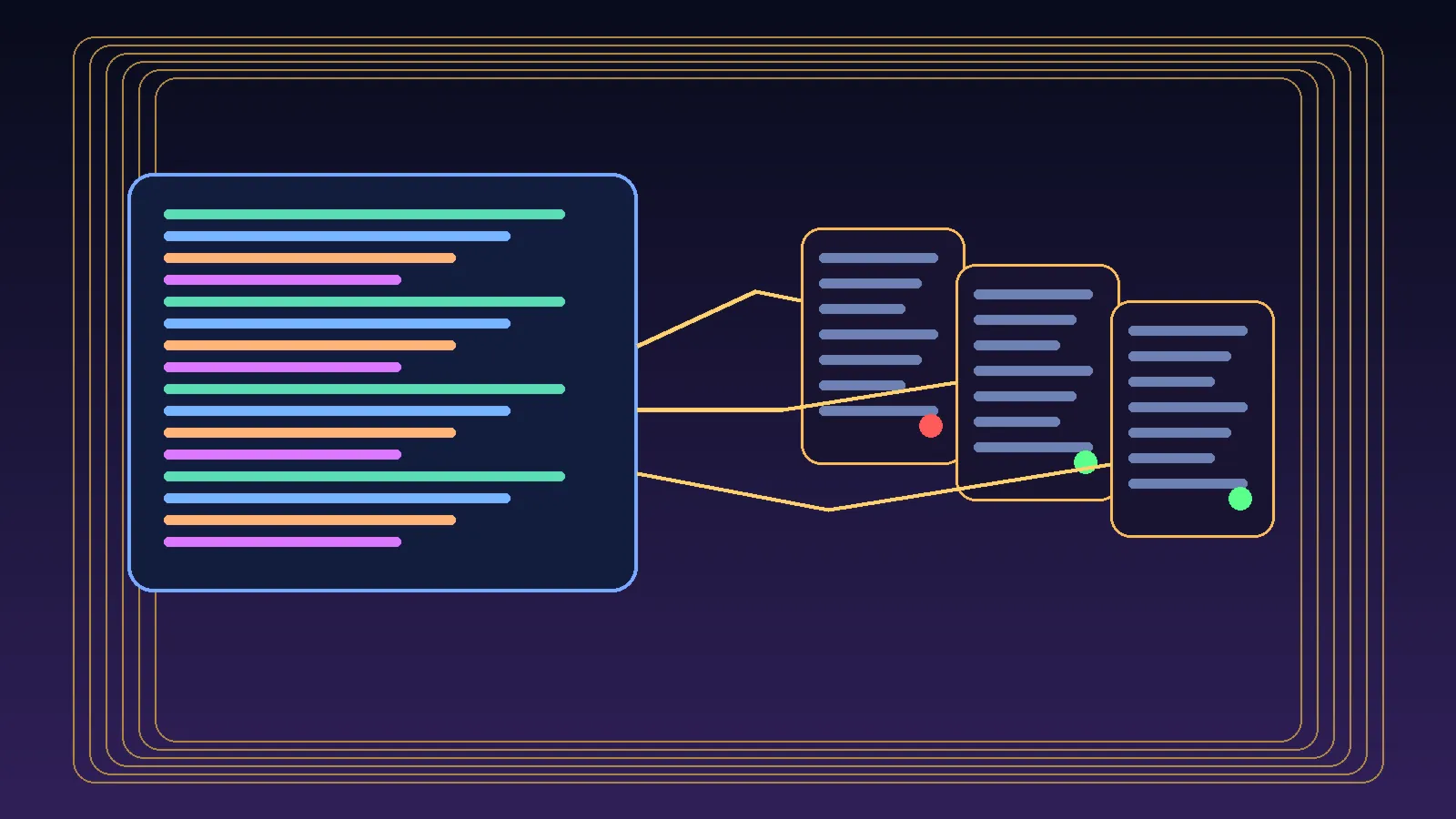
I keep watching teams blame the model for bugs that were caused by a much more embarrassing villain: deployment drift.
The repo was fine.
The fix was in Git.
Tests were green.
Then the public app loaded an older bundle from a different machine, talked to a different process, and read from a different truth.
Suddenly the dramatic “AI bug” was just classic ops sloppiness wearing a futuristic hat.
That is the part a lot of teams still do not get.
Most expensive agent failures are not intelligence failures. They are truth failures. Wrong checkout. Wrong host. Wrong environment. Wrong database. Wrong process. Wrong confidence.
A green build does not prove the user path is live. It proves a computer somewhere had a nice day.
The bug was never in the repo
This is the pattern:
- someone fixes the code
- CI passes
- the branch is merged
- the deploy command runs
- the product still behaves like the fix never happened
Now everybody starts saying dangerous little sentences.
- “Maybe the model is being weird”
- “Maybe the prompt cache is stale”
- “Maybe the browser is acting up”
- “Maybe Vercel needs a minute”
No. Maybe you touched the wrong machine.
That is usually the answer.
If the public URL still serves old behaviour after a supposedly successful deploy, you are no longer debugging code. You are debugging reality.
Different job.
The five lies teams tell themselves
These are the lies I keep seeing in one form or another.
1. “Main is the truth”
It is not.
main is a record of what you intended to ship. Production is a record of what users are actually hitting. Those can diverge in surprisingly stupid ways.
A repo can be correct while prod is serving an older build from another checkout, another box, or another pipeline you forgot existed.
2. “The deploy script definitely copied the latest build”
Cute.
Did it copy the current build artifact? Did it copy it to the host serving the public domain? Did the process reload? Did the CDN cache get out of the way? Did the browser actually request the new asset hash?
If you cannot answer those from evidence, the script did not “definitely” do anything.
3. “This database is the one prod is using”
That sentence has wasted more engineering hours than most bad model evals.
I have seen teams patch one database, inspect another, and then write a postmortem about the intelligence layer. Meanwhile the running process was pointed at a third file entirely. Absolute cinema. Wrong genre.
Runtime truth beats config assumptions every time.
4. “The public URL matches the box I just touched”
Not necessarily.
Reverse proxies lie by omission. DNS hides old habits. Platform dashboards flatter you. Old workers keep serving. A forgotten process from two deploys ago can still be the one making your team look incompetent.
If you do not map public URL -> host -> process -> checkout -> artifact, you are guessing.
5. “If the build is green, the fix is live”
This is the big one.
A green build is a local fact.
“The fix is live” is a user-facing fact.
Those are not the same claim.
One says the packaging step succeeded. The other says a human can now walk the public path and observe the corrected behaviour.
Only one of those matters.
What verification actually looks like
When a deploy smells wrong, I stop pretending the repo is the center of the universe and run a much more boring checklist.
1. Identify the host that serves the public URL
Not the host you hope is serving it. The host that actually is.
Trace it. Confirm it. Name the machine.
2. Identify the checkout the running process is using
If there are two clones on the same machine, congratulations, you now have a ghost story.
Check the real working tree behind the running service. Not the one you edited five minutes ago. The one the process is actually reading.
3. Identify the build artifact the browser is loading
Open the site. Inspect the asset hashes. Compare them with the new build output.
If the browser is still pulling an old bundle, nothing else you say matters.
4. Identify the database or backing service attached to the runtime
Not the env file in the repo. The live attachment.
Look at open file handles, runtime config, platform env, whatever you need. Find the exact dependency the process is using.
5. Verify the exact user path after deploy
Not a health endpoint. Not a build log. Not a reassuring screenshot of a dashboard.
Click the thing the user clicks. Trigger the path the bug affected. Observe the result in the public environment.
That is verification.
Everything else is preamble.
Why this matters even more for AI products
AI teams are especially vulnerable to this nonsense because the model layer gives them an easy scapegoat.
If output looks odd, people reach for mystical explanations:
- the model regressed
- the prompt changed shape
- the memory layer got confused
- the agent reasoning went off the rails
Sometimes, sure.
But a depressing amount of “agent weirdness” is still plain old software deployment drift. The wrong version is live. The worker was not restarted. The stale bundle is cached. The feature flag points somewhere cursed. The environment on one host is not the environment on the one users actually hit.
This is why I keep saying the control plane is the product.
You do not earn trust by having a smart model in a pretty demo. You earn trust by knowing which machine is allowed to tell the truth.
My operator rule now
I no longer count a deploy as done when the build passes.
I count it done when all of this is true:
- the intended commit is on the serving host
- the running process is using that checkout
- the public app is loading the expected artifact
- the runtime dependencies match the intended environment
- the user path behaves correctly in production
Anything less is a rehearsal.
The practical discipline most teams need
Less prompt theater. More runtime evidence.
Less screenshotting green checks. More proving which bundle the browser loaded.
Less confidence in dashboards. More suspicion of every layer between Git and the public URL.
If prod and your repo disagree, trust neither until the browser confesses.
The point
Your repo can be correct and your deployment can still lie to your face.
That is not an edge case. That is normal engineering, with better branding.
So the next time a supposedly fixed AI product still behaves like a clown, do not start with model astrology.
Start with the boring questions:
- which host is real
- which process is real
- which artifact is real
- which database is real
- which user path proves the fix is real
A green build is not evidence.
A verified live path is evidence.
Everything else is vibes with logs.